<ahref="https://appcenter.elementary.io/com.github.phase1geo.minder"><imgsrc="https://appcenter.elementary.io/badge.svg"alt="Get it on AppCenter"/></a>
</p>
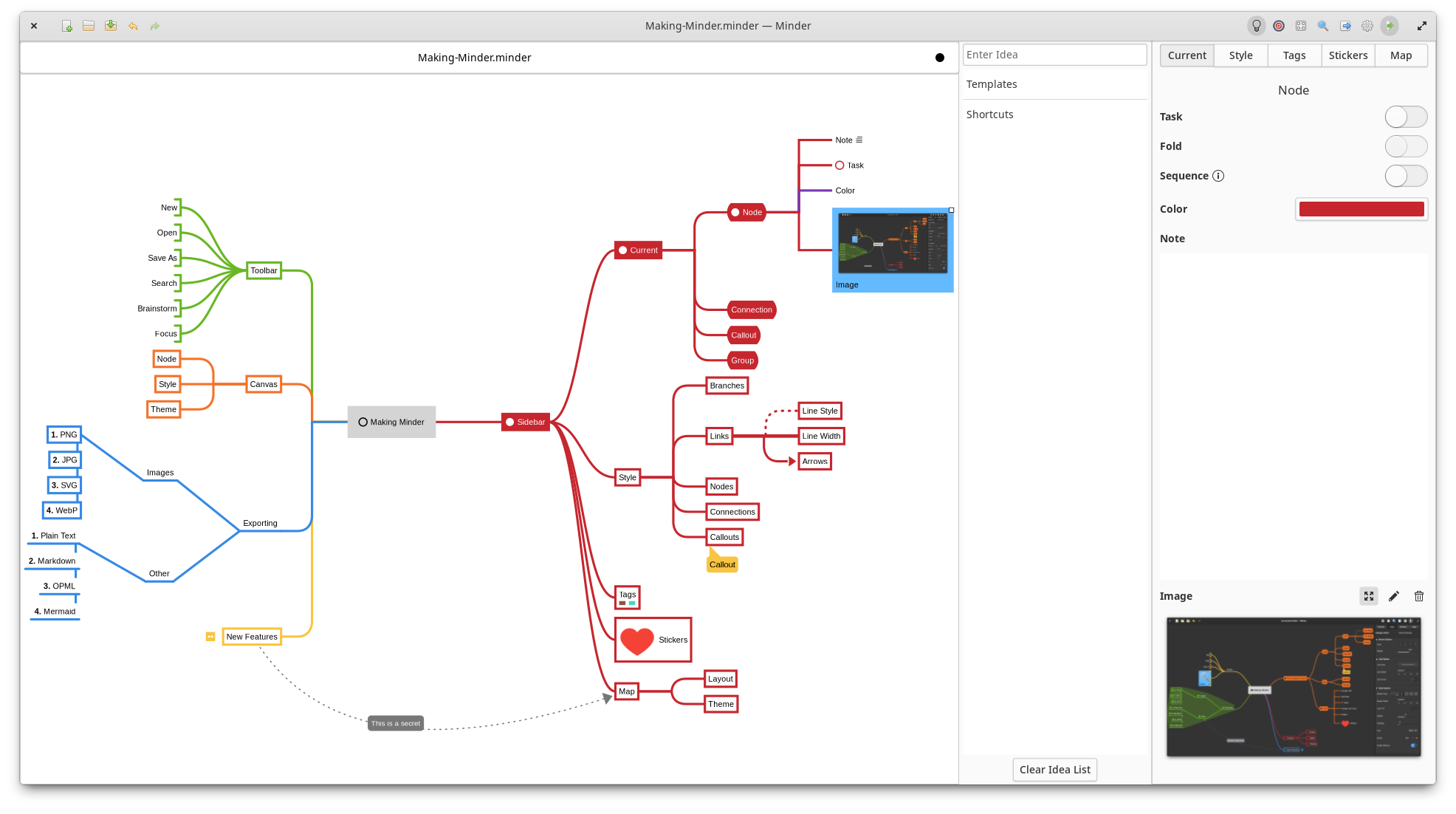
## Overview
Use the power of mind-mapping to make your ideas come to life.
- Quickly create visual mind-maps using the keyboard and automatic layout.
- Choose from many tree layout choices.
- Support for Markdown formatting.
- Support for insertion of Unicode characters.
- Add notes, tasks and images to your nodes.
- Add node-to-node connections with optional text and notes.
- Stylize nodes, links and connections to add more meaning and improve readability.
- Add stickers and node groups to call out and visibly organize information.
- Quick search of node and connection titles and notes, including filtering options.
- Zoom in or enable focus mode to focus on certain ideas or zoom out to see the bigger picture.
- Enter focus mode to better view and understand portions of the map.
- Unlimited undo/redo of any change.
- Automatically saves in the background.
- Colorized node branches.
- Open multiple mindmaps with the use of tabs.
- Built-in and customizable theming.
- Gorgeous animations.
- Import from OPML, FreeMind, Freeplane, PlainText (formatted), Outliner, Portable Minder, filesystem and XMind formats.
Minder documentation can be found [here](https://github.com/phase1geo/Minder/wiki/Table-of-Contents).
<palign="center">
<ahref="https://appcenter.elementary.io/com.github.phase1geo.minder"><imgsrc="https://appcenter.elementary.io/badge.svg"alt="Get it on AppCenter"/></a>
